From purchase order to proof of delivery, on one record.
Your godown team, transporters and drivers fill in the same record as goods move, so you can see what is done, what is waiting and who has it.
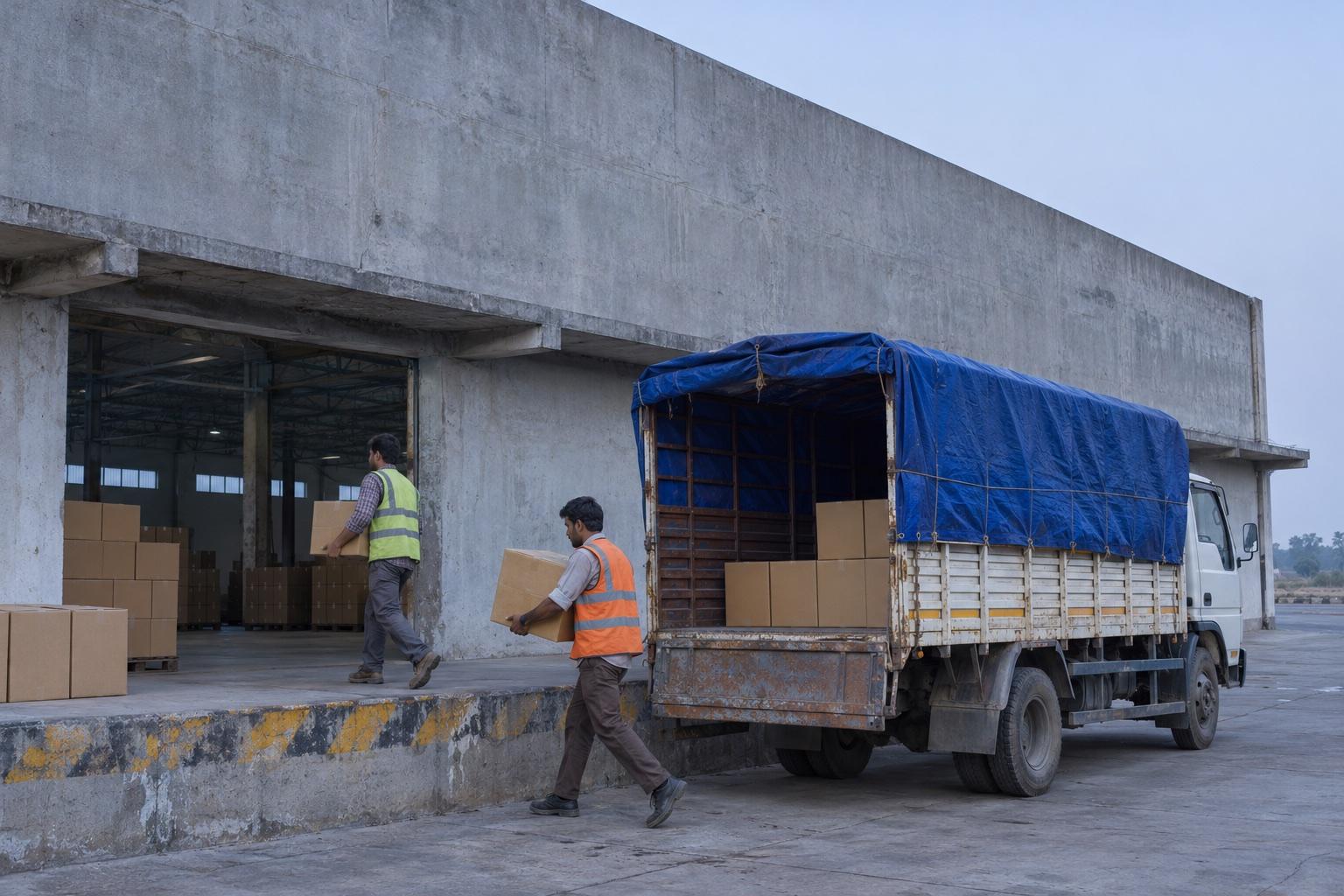
MOV-8471
Sample movement
At pickup
- Purchase ordersChoosing orders
- Driver PINWaiting
- Quality checkWaiting
- Invoices and e-way billsWaiting
- Loading evidenceWaiting
- GPS trailWaiting
- DeliveryWaiting
It starts with the PO you already raised.
Purchase orders come across from Tally, so nobody types them twice. Choose the orders, the transporter and the route, and the movement exists.
| Order | Goods | Quantity |
|---|---|---|
| PO-TLY-5527 | Smartphones | 420 |
| PO-TLY-5528 | Wireless earbuds | 600 |
| PO-TLY-5530 | Wall chargers | 1,200 |
The driver needs a PIN, not a password.
A secure PIN goes to the driver's mobile for their leg of the trip. They enter it in the app and get straight to work, with no account to set up.
Enter your PIN
The count is settled at the godown.
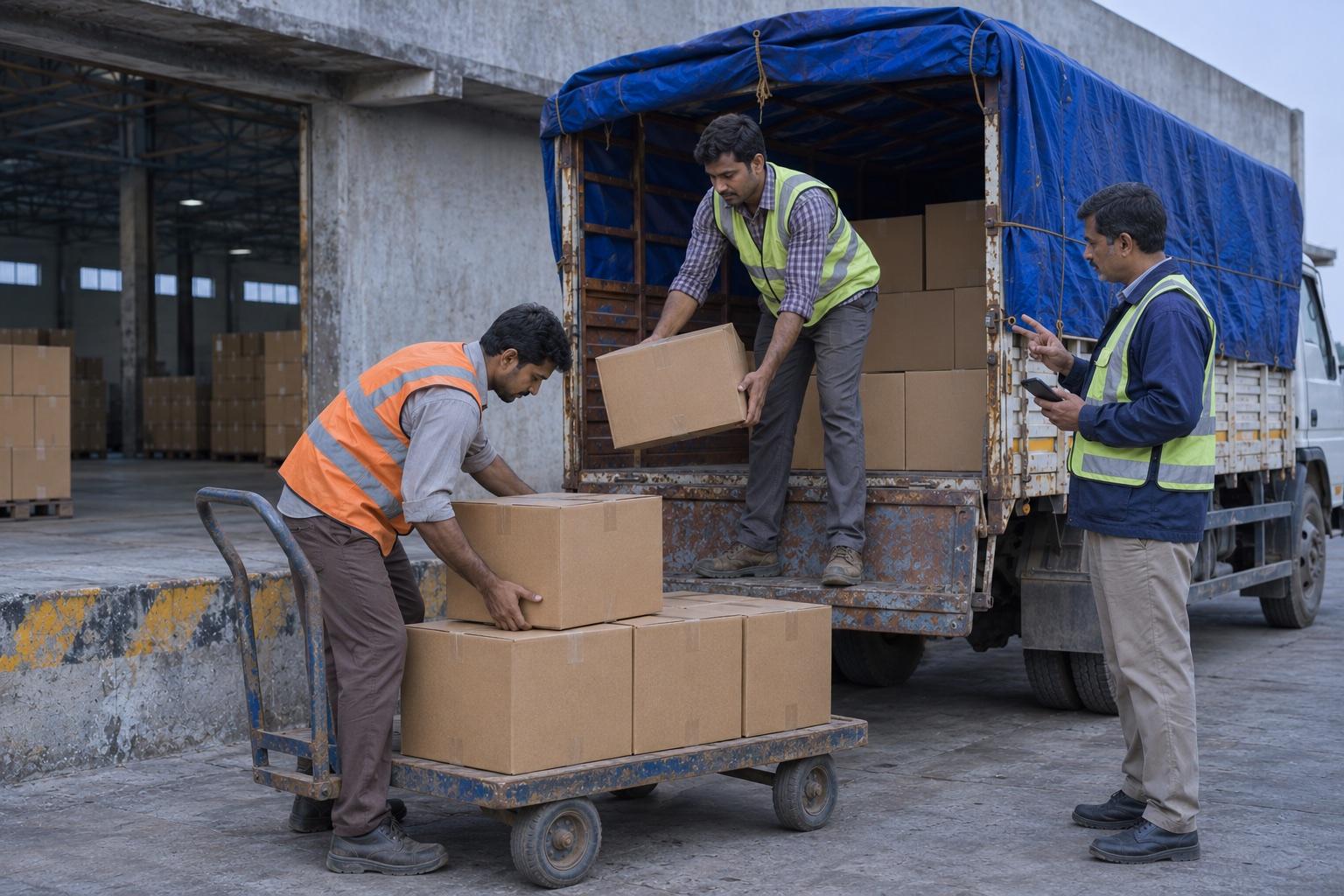
Good quantity is recorded against each order before the truck is loaded. When a count needs a second look, admins get an alert and approve or reject it from the movement itself.
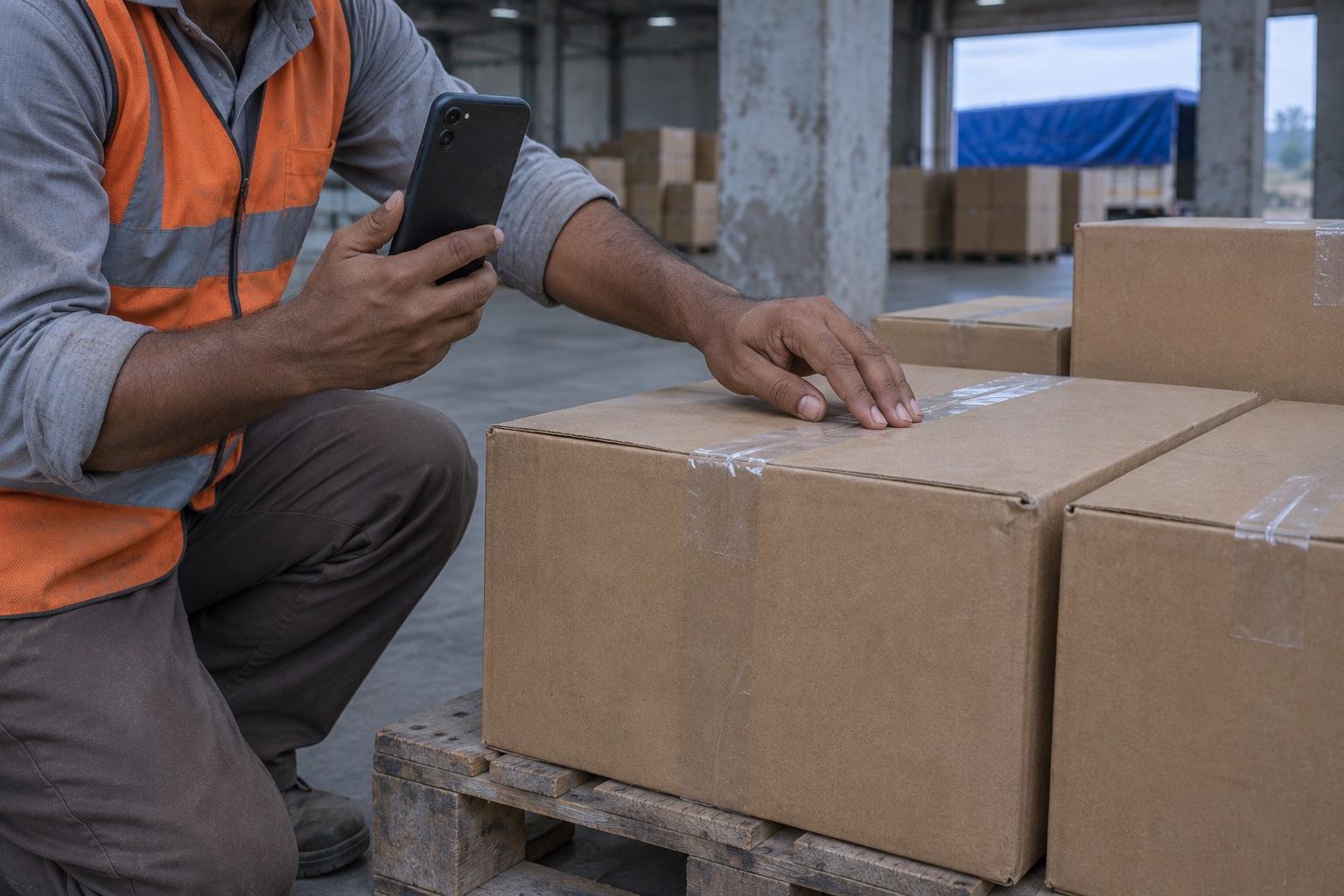
The paperwork stays matched to the goods.
Invoices are entered order by order, and the driver scans each e-way bill's QR code from the phone. Every document sits on the movement it belongs to.
- PO-TLY-5527INV-2026-1043E-way bill scanned
- PO-TLY-5528INV-2026-1044E-way bill scanned
- PO-TLY-5530INV-2026-1045Scan e-way bill
Photos before the wheels turn.
The app asks for the loading evidence your movement requires. Once it is in, the driver can start the trip, and the photos stay on record if anyone questions the load later.
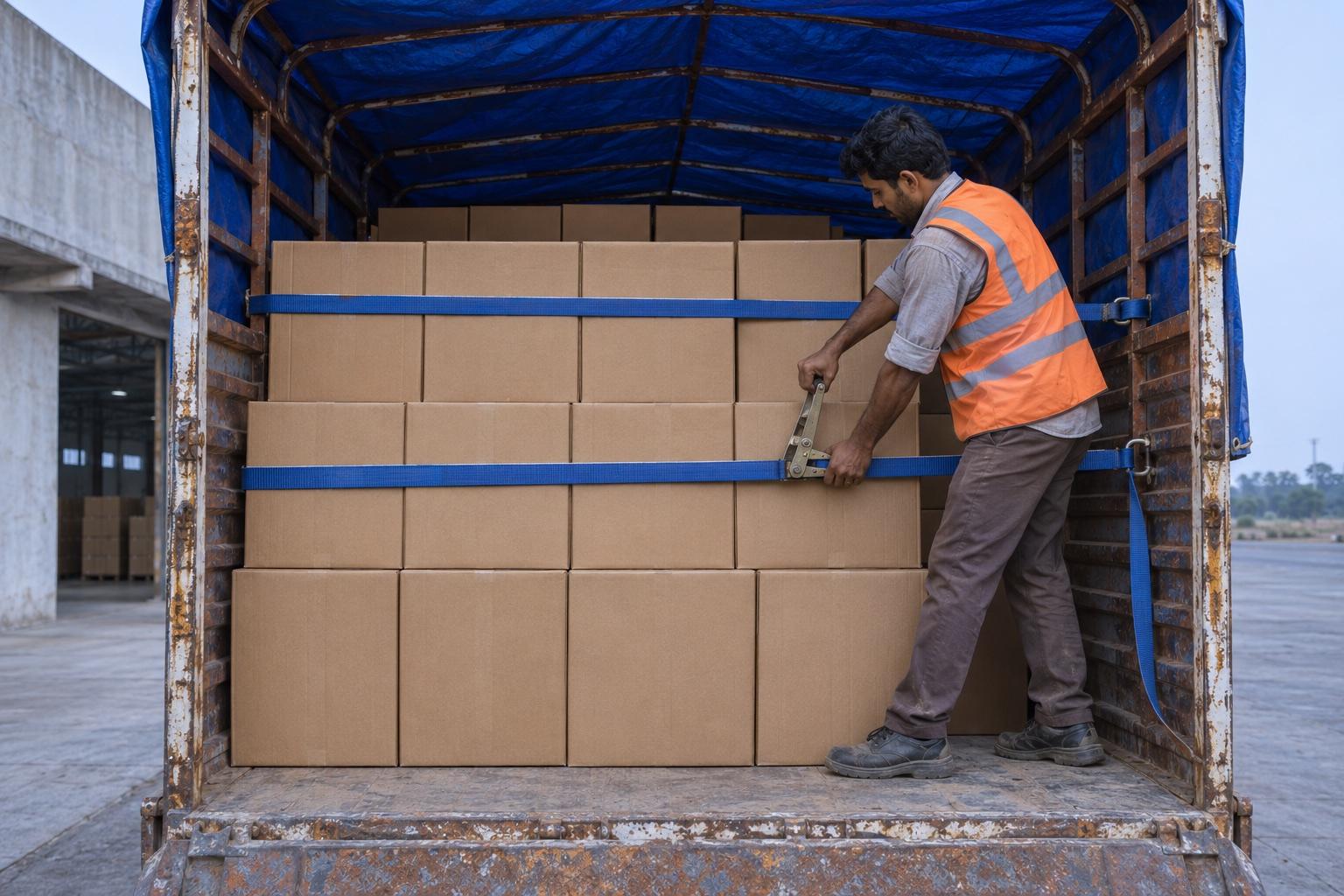
Loading photo added to MOV-8471
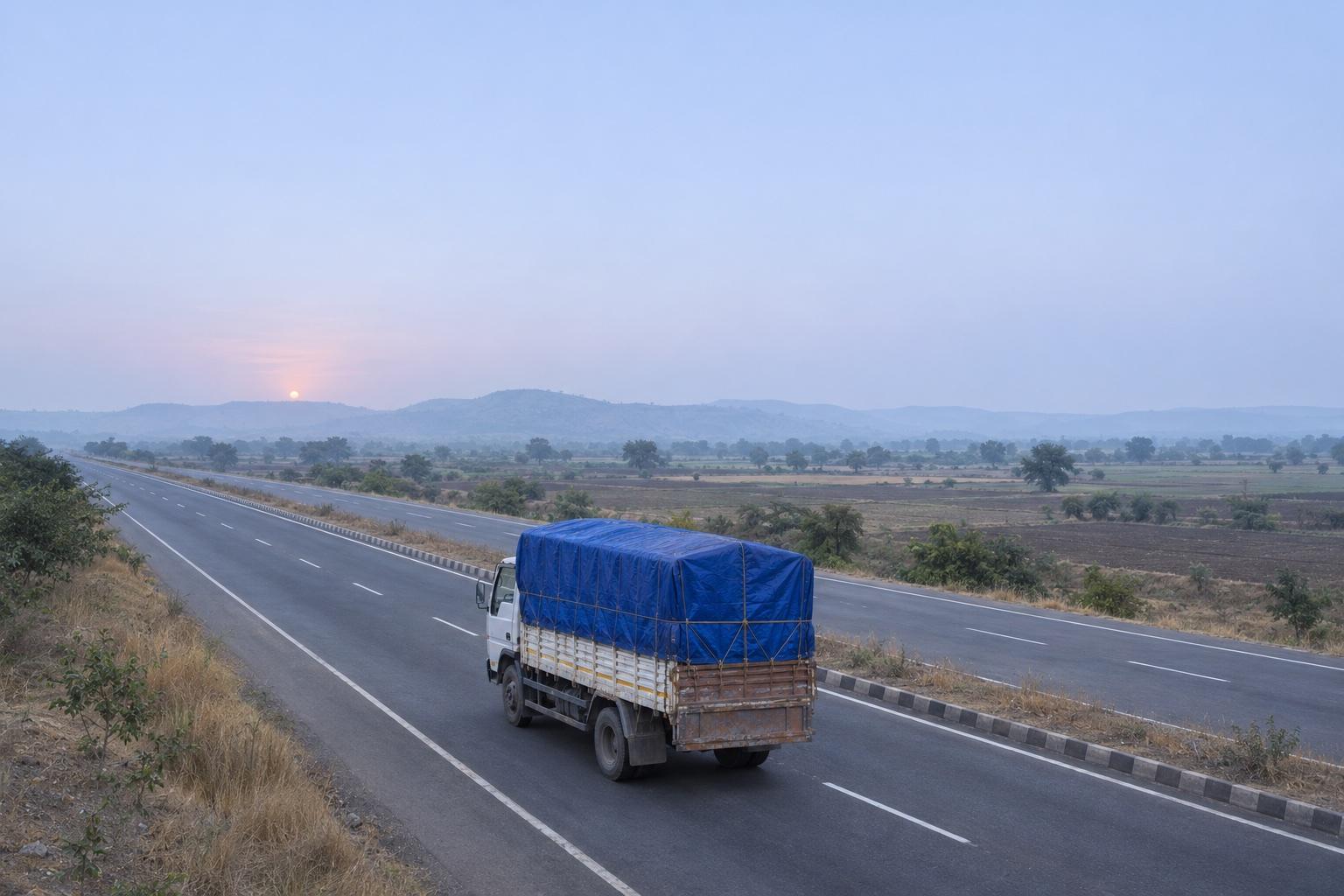
See the truck without calling the driver.
GPS points build the route as the trip runs. Admins can check where a movement has reached, and the full trail stays on the record after delivery.
- Bhiwandi
- Manor
- Talasari
- Vapi
Delivered, proved and back in Tally.
Arrival and unloading evidence close the trip. If goods change trucks at a hand-off point, the next leg continues on the same record. Invoice data goes back to Tally, and the whole chain is one report away.
- Purchase order
- Invoice
- Movement
- Excel or PDF report
Everyone works from the record. Each company sees its own.
People are assigned to one or more companies, and access follows that assignment and their role.
- Admins
- Create movements, assign transporters, review quality checks and pull reports across the companies they manage.
- Supervisors
- Run purchase orders, movements and transporters day to day from the godown, without the wider admin settings.
- Drivers
- Open the mobile app with a movement PIN and work through the trip one step at a time. No account to set up.
Ready when the next truck is.
Log inDriving a movement? You don't log in here. Use the mobile app with your movement PIN.